From setup to invoice in four simple steps
We've simplified utility management so you can focus on managing properties, not spreadsheets.

1. Set Up Your Property
Create a scheme profile for your residential estate, apartment complex, or commercial building. Define blocks, sections, and individual units. Onboarding is fast — most properties are live within a day.
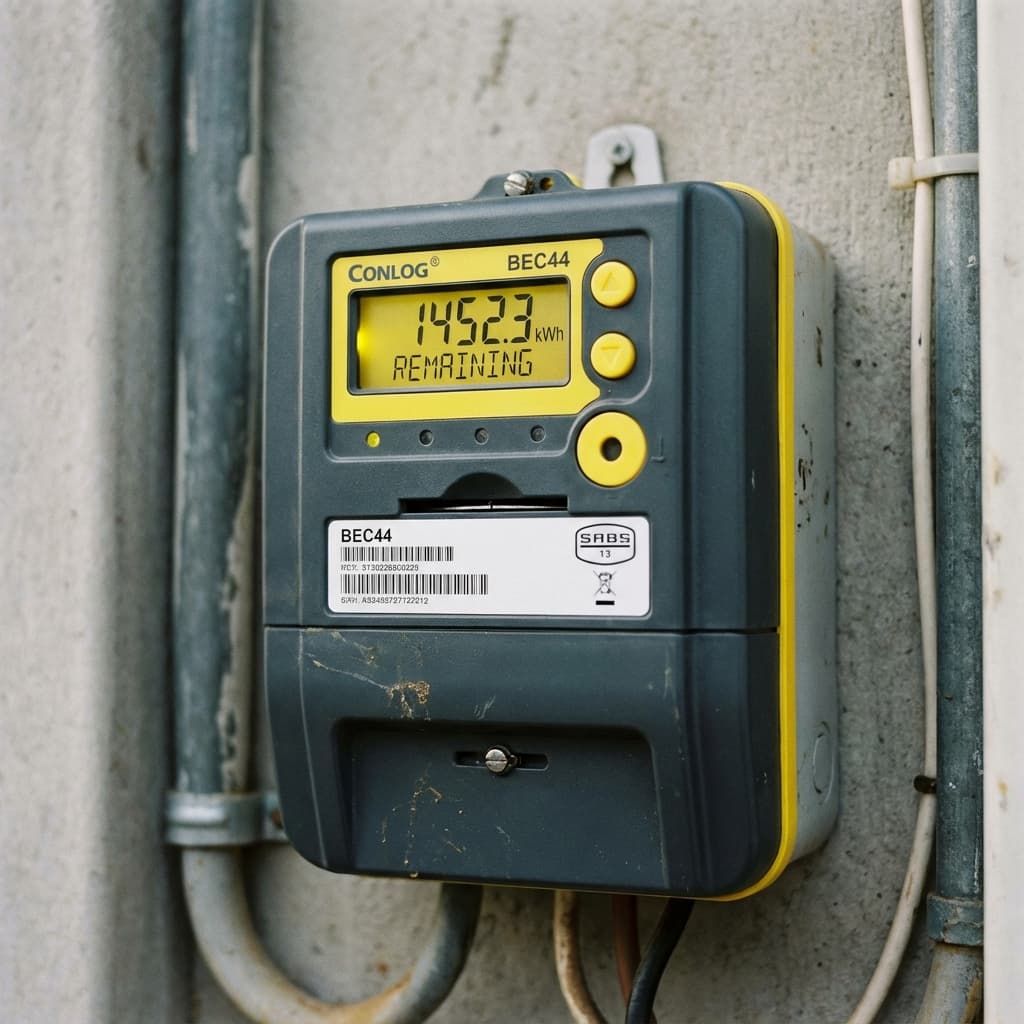
2. Register Meters
Link water and electricity meters to specific units. Set opening readings, assign tariff structures, and optionally attach NFC tags for fraud prevention. Bulk import is supported for large portfolios.
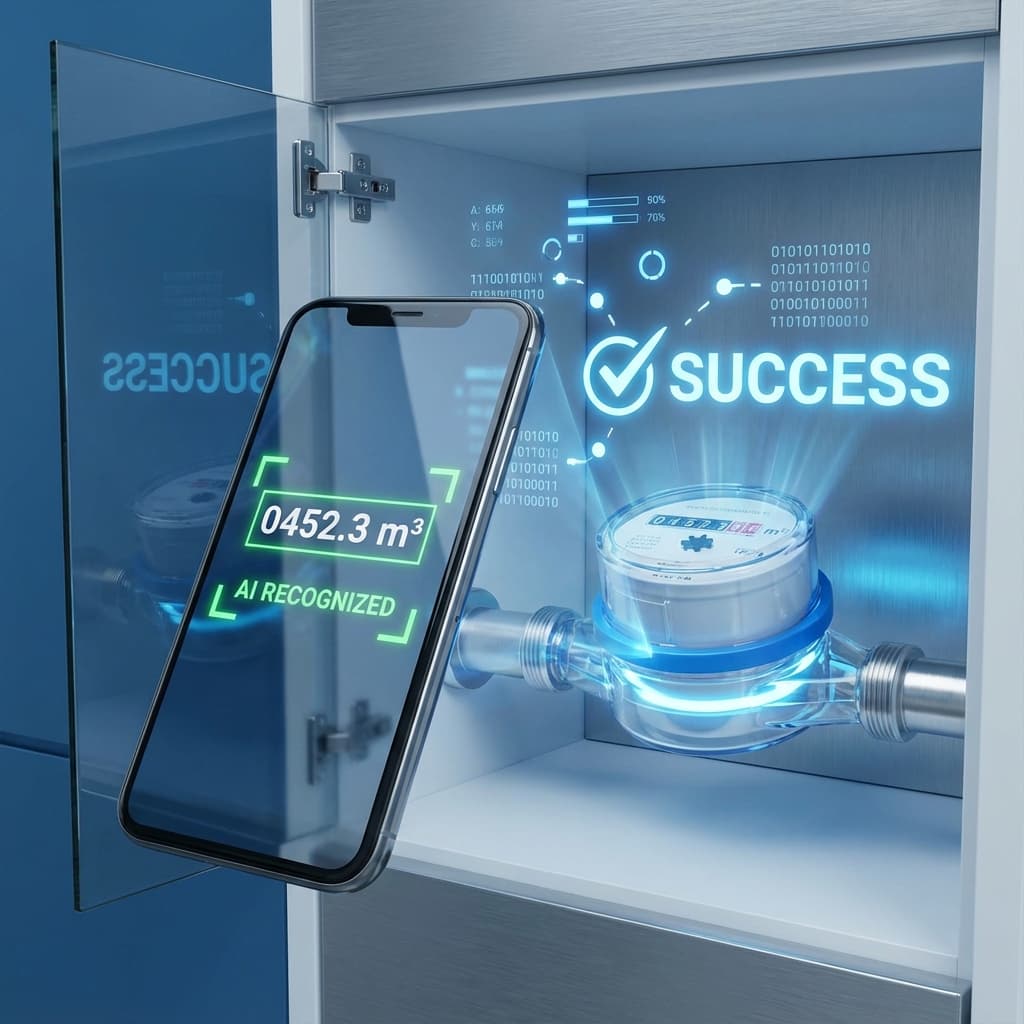
3. Capture Readings via Mobile
Your team uses the MeterVision Android app to photograph meters. Our AI extracts the reading in seconds with pinpoint accuracy. Optional NFC tags verify physical presence, creating a tamper-proof audit trail with GPS coordinates and a photo for every submission.
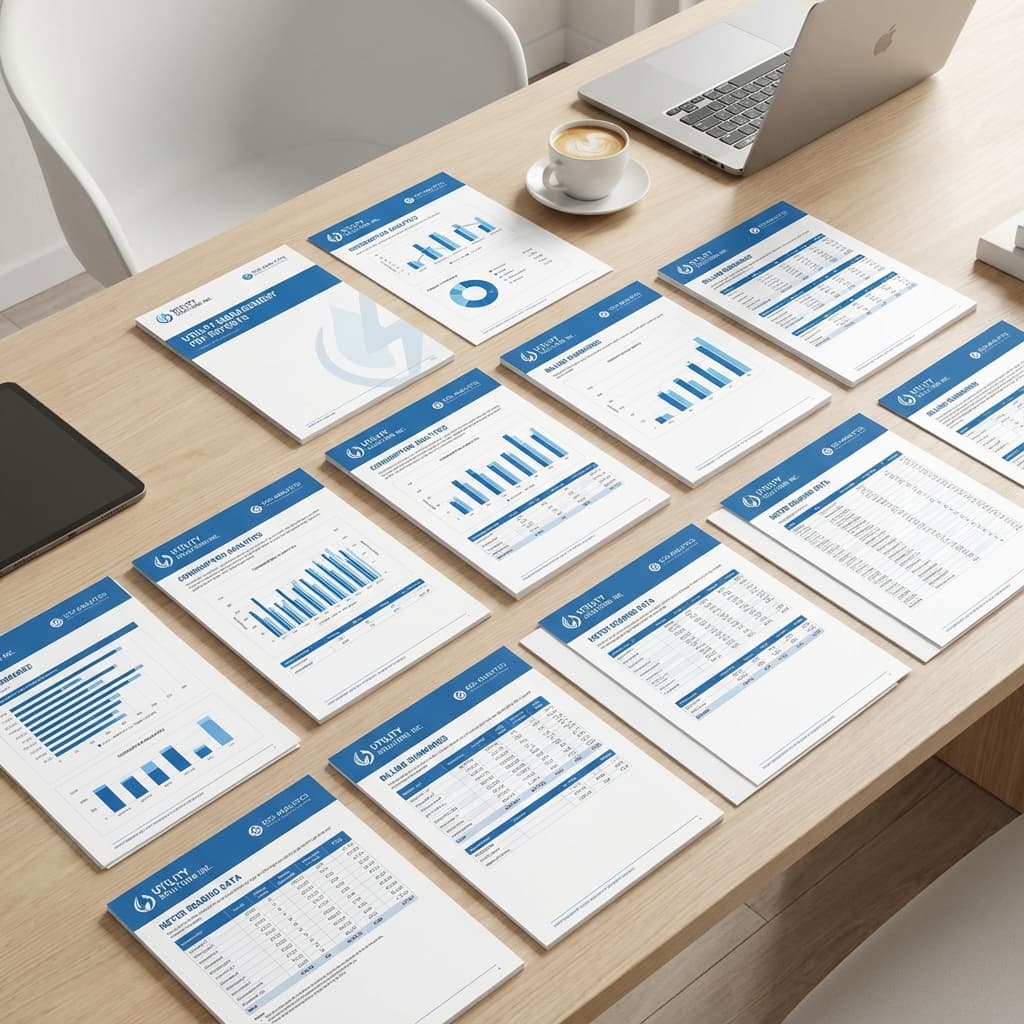
4. Generate Reports & Invoices
With one click, generate professional branded PDF reports — consumption analysis, financial reconciliation, anomaly detection, and more. Export to Excel for your accountants or share directly from the platform.